You find someone on Facebook. You tap their profile. You look for that familiar “Add Friend” button… and it’s just not there.
Or worse—you tap it, and nothing happens. No request sent. No confirmation. Just silence.
It’s one of those small, oddly frustrating moments. Especially when you know you should be able to add them. So what’s going on?
Here’s the thing: Facebook doesn’t always explain itself. But there’s always a reason. And most of them are simpler than they seem once you know where to look.
Let’s break it down in a way that actually makes sense.
Sometimes, It’s Their Privacy Settings
This is the most common reason—and also the least obvious.
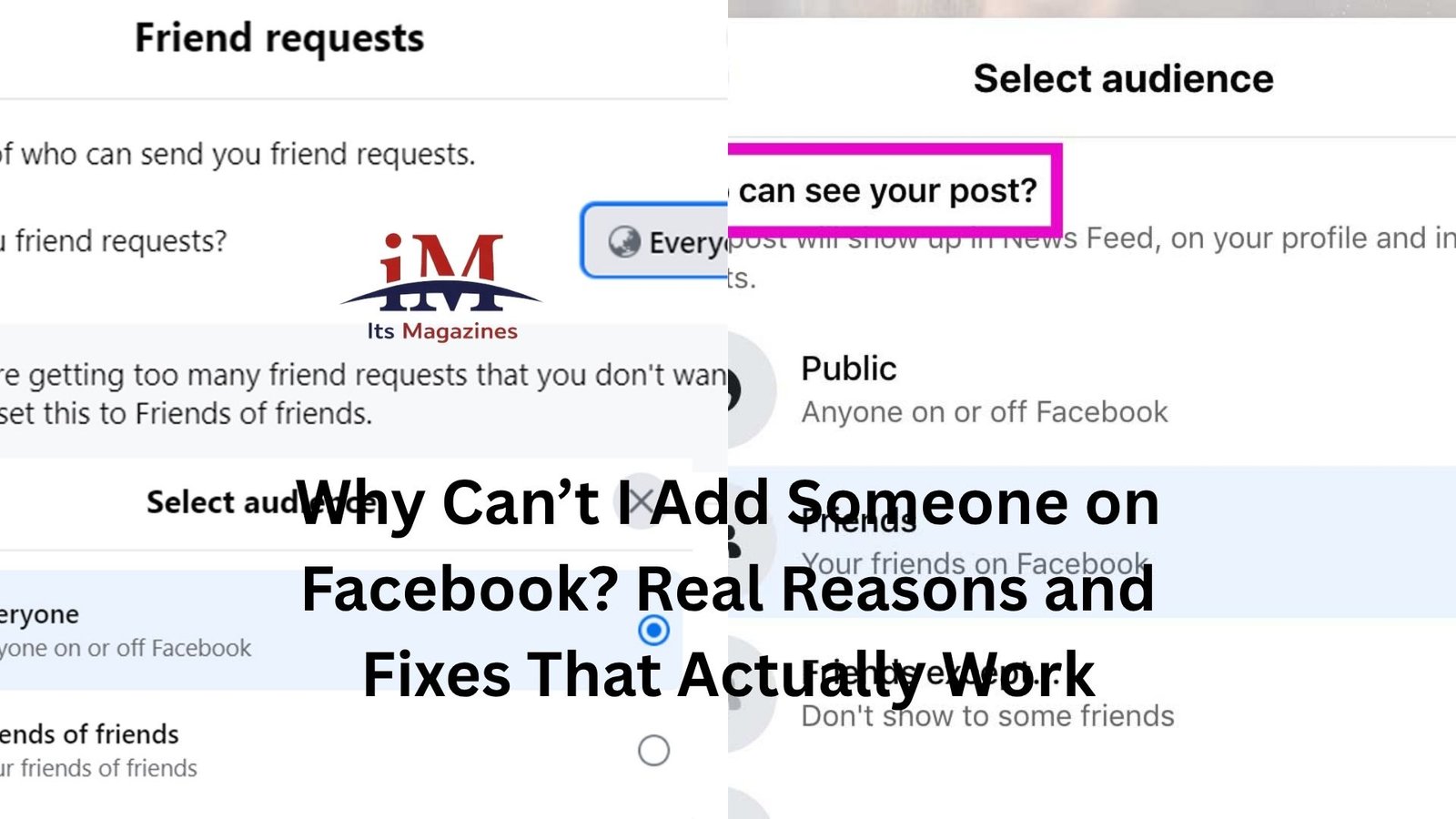
Facebook lets people control who can send them friend requests. Some users limit it to “Friends of Friends” only. So if you don’t share a mutual connection, the “Add Friend” button won’t show up at all.
It’s not personal. It’s just how they’ve set things up.
Think of it like this: if someone keeps their circle tight, Facebook respects that boundary. You’re not locked out—you just need a way in.
A quick workaround? Check if you have any mutual friends and connect through them. Once that link exists, the option might appear.
You Might Have Been Blocked (Yes, It Happens)
Let’s not sugarcoat this one.
If you can’t find the person at all—or you can see their profile but can’t interact with it—you might be blocked.
Now, before jumping to conclusions, consider this: sometimes people deactivate their accounts or change their privacy settings in ways that mimic blocking. So it’s not always intentional.
But if:
- You can’t search their name
- Old conversations disappear
- Their profile looks blank or inaccessible
…then blocking is a real possibility.
It’s uncomfortable, sure. But also out of your control. And in most cases, it’s best to just leave it there.
You’ve Hit the Friend Request Limit
Facebook has limits. Quiet ones.
You can only have up to 5,000 friends. That part’s well known. But there’s also a cap on how many pending friend requests you can send.
If you’ve sent a lot of requests that haven’t been accepted, Facebook may temporarily stop you from sending more.
You won’t always get a clear warning either. The button might just stop working.
It’s a bit like knocking on too many doors without anyone answering. Eventually, Facebook says, “Let’s slow down.”
What helps:
- Cancel old, unanswered friend requests
- Wait a few days before trying again
It’s annoying, but it resets over time.
They’ve Reached Their Limit
Here’s the flip side.
If the person you’re trying to add already has 5,000 friends, they can’t accept new requests. At that point, they can only allow followers.
You’ll usually see a “Follow” button instead of “Add Friend.”
Some people treat Facebook like a public platform, especially if they’re creators or well-connected professionals. So this isn’t unusual.
If that’s the case, following them is your only option unless they remove someone from their friend list.
You May Have Been Temporarily Restricted
Facebook sometimes flags accounts for unusual behavior.
Sending too many friend requests in a short time can trigger this. So can having a lot of requests ignored or marked as spam.
When that happens, your ability to add people might be limited for a while.
No dramatic warning. Just… things stop working.
If you’ve ever gone on a “let me reconnect with everyone I’ve ever met” spree, this could be why.
The fix is mostly patience. Give it a few days. Avoid rapid-fire requests. Let your account cool off.
The Profile Might Be Deactivated or Suspended
If someone’s account is deactivated, you won’t be able to add them. Same if Facebook has suspended it.
Sometimes you’ll still see a faint trace of their profile—maybe through old messages—but interaction options disappear.
It’s like trying to call a number that’s no longer in service.
This one’s easy to confirm: if their profile looks incomplete or inactive across the board, it’s probably not you—it’s their account status.
You Already Sent a Request (and Forgot)
This happens more than people like to admit.
You search for someone, see no “Add Friend” button, and assume something’s wrong. But in reality, you already sent them a request weeks ago… and they haven’t responded.
Facebook replaces the button with something like “Friend Request Sent” or just removes the option altogether depending on the interface.
Quick check:
- Go to your sent friend requests
- See if their name is sitting there quietly
If it is, you’ve got two choices: wait or cancel and resend later.
Technical Glitches Are Still a Thing
For all its size, Facebook isn’t glitch-proof.
Buttons don’t load. Pages freeze. Features disappear temporarily.
If everything should be working but isn’t, try the basics:
- Refresh the app or page
- Log out and back in
- Update the app
- Try a different device
It sounds boring, but it fixes more issues than you’d expect.
Sometimes the problem isn’t you—or them. It’s just a hiccup in the system.
You’ve Been Ignored Too Many Times by That Person
Here’s a lesser-known detail.
If you send someone a friend request and they ignore it—or delete it—Facebook may prevent you from sending another one for a while.
This is designed to stop repeated unwanted requests.
So if you’ve tried before and didn’t get a response, the platform might quietly block you from trying again right away.
There’s no notification saying “Hey, stop.” It just… doesn’t work.
In that case, your best move is simple: don’t push it. If they want to connect, they’ll find you.
Age or Account Restrictions Can Get in the Way
Facebook has rules about age and account authenticity.
If one account is flagged as underage or suspicious, certain features—including friend requests—might be limited.
This is less common, but it does happen, especially with newer accounts.
If your account is brand new and you’re trying to add a lot of people quickly, Facebook might treat you cautiously.
It’s their way of filtering out fake profiles.
When It Feels Personal (But Isn’t)
Let’s be honest—this whole situation can feel oddly personal.
You try to add someone. It doesn’t work. Your brain fills in the gaps:
“Did they block me?”
“Did I do something wrong?”
Sometimes, sure, there’s a human reason behind it.
But most of the time? It’s just settings, limits, or timing.
A quick example.
You meet someone at an event. You look them up later and can’t add them. Turns out they only accept requests from mutual friends. A week later, you both connect with the same person—and suddenly the button appears.
Nothing changed socially. Just one setting made all the difference.
What Actually Helps in Practice
Instead of guessing, a few simple checks can save you time:
Look at the profile closely. Is there a “Follow” button instead? That points to friend limits or settings.
Check mutual friends. If you don’t have any, privacy settings might be blocking you.
Review your sent requests. You might already be waiting for a response.
Pause if you’ve been sending lots of requests. Facebook notices patterns.
And if something feels off technically, try another device or come back later.
Most of the time, one of these answers will click.
The Bigger Picture
Facebook isn’t just a social tool—it’s a system full of quiet rules.
Some protect users. Some prevent spam. Some just reflect how people choose to manage their space.
So when you can’t add someone, it’s rarely random. There’s always a reason, even if Facebook doesn’t spell it out.
The trick is not to overthink it.
Check the obvious things. Try again later if needed. And if it still doesn’t work, accept that not every connection is meant to happen through a button.
Sometimes, the simplest explanation is the right one—and sometimes, it’s just not worth chasing.