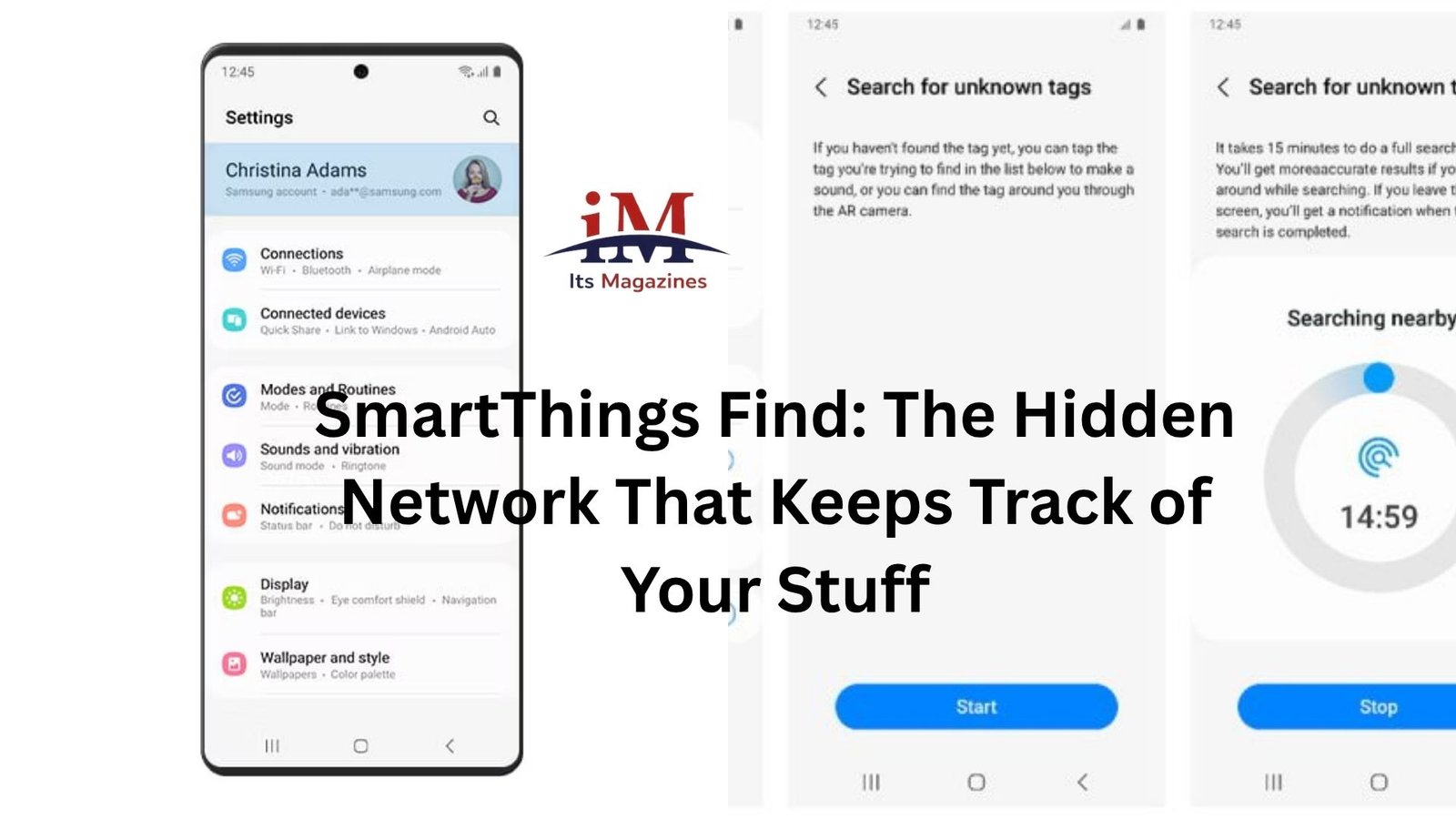
Losing things is a tiny everyday annoyance—until it isn’t. One minute your earbuds are in your pocket, the next they’ve vanished into that strange void between “I just had them” and “how is this even possible?” That’s where SmartThings Find quietly steps in. Not flashy, not loud, but surprisingly capable.
If you’ve ever used a Samsung device and ignored that “Find” feature, you’ve probably underestimated what it can actually do.
Let’s fix that.
It’s Not Just a Tracker—It’s a Network
At first glance, SmartThings Find sounds like a simple tracking tool. You lose something, you open an app, you see where it is. Straightforward.
But that’s only half the story.
Here’s the thing: SmartThings Find doesn’t rely only on your device. It taps into a massive network of other Samsung devices nearby. Phones, tablets, even some wearables. Millions of them.
So if you drop your Galaxy Buds in a café and walk out? Your own phone won’t help much once you’re gone. But someone else’s Samsung phone passing by might quietly detect your lost device and update its location for you.
No awkward notifications. No one knows it’s happening. It just works in the background.
That’s the real magic—your stuff becomes part of a crowdsourced location system.
The Setup Is Almost Too Easy
If you’re already in the Samsung ecosystem, you’re basically halfway there.
You sign into your Samsung account, turn on SmartThings Find, and that’s it. Your compatible devices automatically show up. No complicated pairing dance. No digging through obscure settings menus.
It feels like one of those features that should be annoying to set up—but isn’t.
And once it’s on, you don’t think about it again… until you need it.
When You Actually Lose Something
Let’s talk real life for a second.
You’re heading out the door. Phone? Check. Wallet? Check. Keys? Somewhere… probably.
You open SmartThings Find. The map shows your keys are still inside. That’s already helpful. But then you hit the “ring” option.
Suddenly, there’s a faint chirping sound coming from under the couch.
That’s the everyday use case. Simple, immediate, satisfying.
But it gets more interesting when the item isn’t nearby.
Offline Finding Changes the Game
Most people assume tracking only works when a device is online. That used to be true.
SmartThings Find bends that rule.
Even if your device is offline, it can still be found through nearby Samsung devices. It’s a bit like leaving digital breadcrumbs behind.
Imagine you leave your tablet in a taxi. It’s not connected to Wi-Fi anymore. No mobile data either.
Still, if another Samsung user gets into that same taxi later, their phone can detect your tablet and update its location anonymously.
You don’t see who helped. They don’t know they helped. But your tablet suddenly reappears on your map.
That’s not just convenient—it’s quietly powerful.
It Works Best If You’re All-In on Samsung
Let’s be honest here. SmartThings Find shines brightest if you’re already using Samsung products.
Galaxy phones, Buds, Watches, SmartTags—they all play nicely together. It feels cohesive, like everything speaks the same language.
If you mix ecosystems, things get less smooth. You won’t get that same seamless experience with non-Samsung devices.
That’s not a flaw, exactly. It’s just how these ecosystems work. Apple does the same thing with Find My.
Still, if you’re already in Samsung’s world, SmartThings Find feels like a free upgrade you didn’t know you had.
SmartTags: The Missing Piece
Phones and earbuds are one thing. But what about your keys? Your backpack? Your luggage?
That’s where SmartTags come in.
They’re small, simple trackers you attach to everyday items. Nothing fancy. No screens. Just a button and a battery.
But paired with SmartThings Find, they become incredibly useful.
You can:
- Make them ring when they’re nearby
- Track them on a map when they’re far away
- Use them to trigger routines (like turning on lights when you walk in)
There’s something oddly comforting about knowing your keys are never truly “lost”—just temporarily misplaced.
Precision Finding Feels Like a Treasure Hunt
If you’ve ever used newer SmartTags with compatible phones, you’ve probably seen the precision finding feature.
It’s a bit like a game.
Instead of just showing a vague location, your phone guides you with distance and direction. Warmer, colder, closer… until you’re right on top of the item.
You end up walking around your house like you’re tracking buried treasure.
Except the treasure is your TV remote.
Still counts.
Privacy Isn’t an Afterthought
Whenever something relies on a network of other people’s devices, there’s an obvious question: is this safe?
Samsung clearly thought about that.
The system is designed so that everything is encrypted and anonymous. Devices helping locate your items don’t know who you are or what they’re detecting.
There are also alerts for unknown trackers moving with you. So if someone tries to use a SmartTag to track you, your phone can warn you.
It’s not perfect—no system is—but it’s built with enough safeguards to feel reasonable.
And that matters, because location data is one of those things people don’t like to gamble with.
Small Everyday Wins Add Up
The biggest strength of SmartThings Find isn’t one dramatic moment. It’s the accumulation of small saves.
Finding your earbuds before a meeting
Locating your watch before leaving the house
Tracking your luggage after a long flight
These are minor problems individually. But they happen all the time.
And every time the app quietly fixes one of them, it earns its place.
You start relying on it without realizing it.
Where It Still Falls Short
It’s not all perfect.
Coverage depends on how many Samsung devices are around. In busy cities, it works beautifully. In rural areas, less so.
Battery life on SmartTags is decent, but not infinite. You’ll forget to replace it at least once. Everyone does.
And if you’re not using Samsung hardware, the whole system loses a lot of its appeal.
There’s also the reality that you have to remember to check the app. It won’t magically solve a problem if you don’t open it.
Still, none of these issues feel like deal-breakers. They’re more like trade-offs.
The Quiet Advantage Over Competitors
Apple’s Find My network gets a lot of attention—and for good reason. It’s excellent.
But SmartThings Find holds its own in a quieter way.
It’s less talked about, but not less capable. Especially if you’re deep into Samsung’s ecosystem, it can feel just as reliable.
And sometimes, that’s enough.
Not everything needs to be the most popular option. It just needs to work when you need it.
Why People Underrate It
Part of the reason SmartThings Find flies under the radar is simple: it doesn’t demand attention.
There’s no big marketing push. No flashy ads showing dramatic recovery stories.
It’s just… there.
Waiting.
Doing its job in the background.
Until the day you actually lose something—and then suddenly, it feels essential.
The Takeaway
SmartThings Find isn’t trying to reinvent anything. It takes a familiar idea—tracking your stuff—and makes it more reliable through a massive shared network.
That’s the real value.
Not the app itself. Not the interface. Not even the features.
It’s the quiet confidence that if you lose something, there’s a good chance you can get it back.
And once you’ve experienced that a few times, it’s hard to go back to guessing where you left your keys.