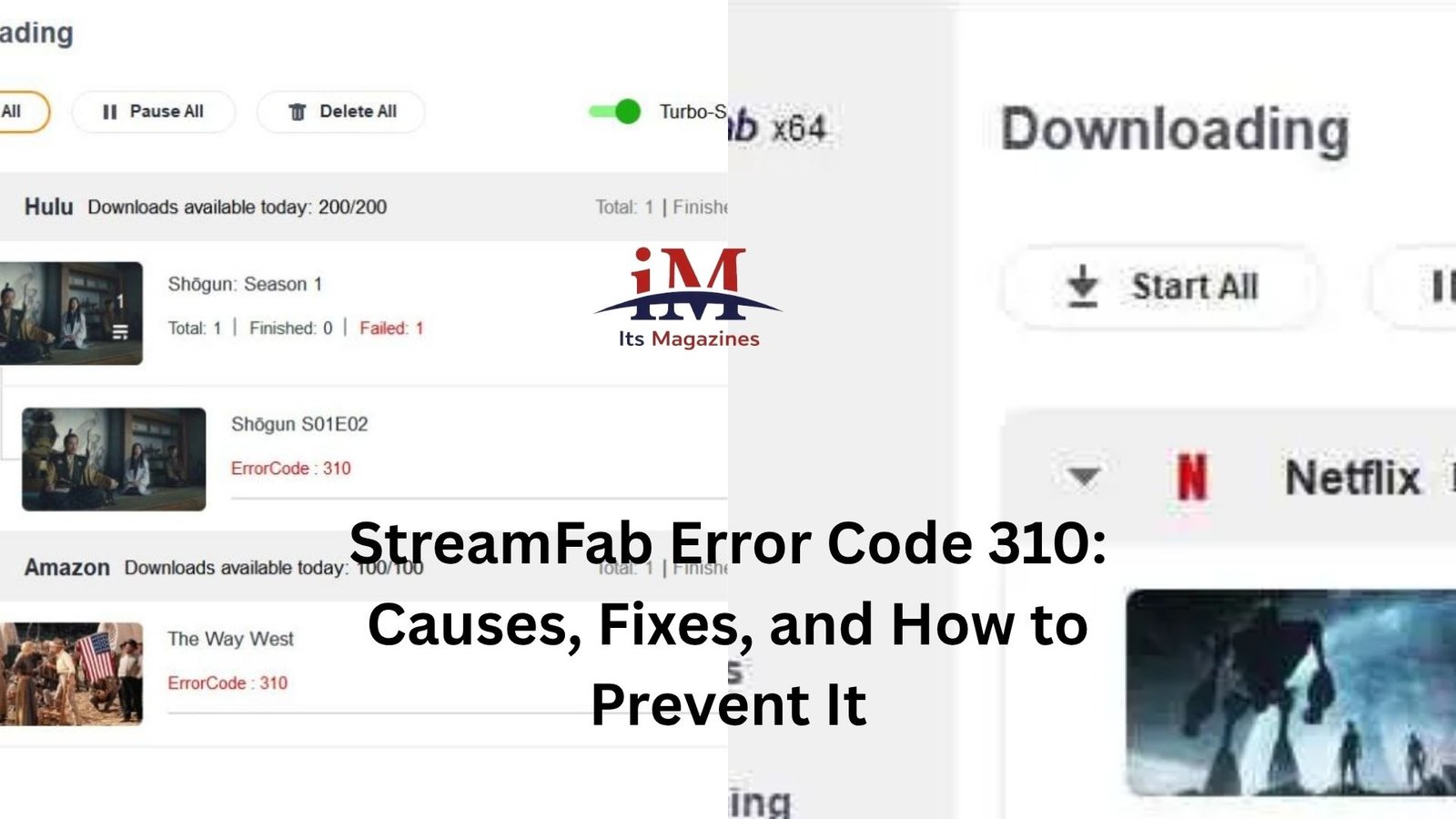
If you’ve been using StreamFab for a while, you’ve probably run into an occasional download problem. Most issues are minor and disappear after a restart or software update. StreamFab Error Code 310, however, tends to be one of those messages that catches people off guard because it often appears without a clear explanation.
One moment everything is working normally. The next, a download fails, and you’re left staring at an error code that doesn’t tell you much about what actually went wrong.
The good news is that Error Code 310 is usually fixable. In many cases, the solution is surprisingly simple once you understand what’s happening behind the scenes.
Let’s break down what this error means, why it appears, and the practical steps that can help you get StreamFab working again.
What Is StreamFab Error Code 310?
Error Code 310 generally indicates that StreamFab cannot properly retrieve or process content from a supported streaming service.
That sounds broad because it is.
Unlike some errors that point to a specific issue, Error 310 can be triggered by several different conditions. Sometimes the problem comes from the streaming platform itself. Other times it originates from StreamFab’s connection, outdated modules, account-related restrictions, or network interruptions.
Think of it like a delivery driver arriving at a locked gate. The package exists, the address is correct, but something along the route prevents successful access.
As a result, the download request fails and StreamFab displays Error Code 310.
Why This Error Happens
One reason this error frustrates users is that it rarely has a single cause.
Streaming platforms constantly update their security systems, encryption methods, and content delivery mechanisms. Software like StreamFab has to adapt to those changes regularly.
Here’s a common scenario.
You launch StreamFab after not using it for a couple of weeks. Everything worked perfectly before. You try downloading a movie from your preferred streaming service, and suddenly Error 310 appears.
Nothing changed on your computer.
But the streaming platform may have changed something on its end.
That’s often where the problem starts.
At other times, the issue can come from a local factor such as a firewall rule, unstable internet connection, damaged cache files, or an outdated version of StreamFab.
Start With the Simplest Fix
Before diving into advanced troubleshooting, begin with the obvious.
Close StreamFab completely.
Wait a few seconds.
Then reopen the application and try the download again.
It sounds almost too simple, but temporary connection issues sometimes trigger Error 310. Restarting the software forces StreamFab to establish a fresh connection with its servers and the streaming service.
If the error appeared during a single download session, this alone may solve it.
Check for StreamFab Updates
This is probably the most important step.
Streaming services change frequently. Developers often release updates specifically to restore compatibility when a provider modifies its security systems.
Running an outdated version of StreamFab is one of the leading causes of download errors.
Open the software and check whether an update is available. If one exists, install it before attempting any further troubleshooting.
Many users spend an hour trying complicated fixes only to discover that a software update resolves the issue in minutes.
Let’s be honest. We’ve all done that at least once.
Verify Your Internet Connection
Error 310 can sometimes appear when StreamFab loses communication during the content retrieval process.
Even if your internet seems functional, brief interruptions can create problems.
Try opening a few websites.
Run a speed test.
Watch a short video online.
If pages load slowly or video playback buffers excessively, your connection may be unstable enough to interfere with downloads.
For larger downloads, a wired connection often performs better than Wi-Fi, especially in environments where multiple devices compete for bandwidth.
Log Out and Sign Back In
Authentication issues can occasionally trigger Error 310.
Streaming services regularly verify account access, subscription status, and geographic permissions. If StreamFab encounters outdated login credentials or expired session data, downloads may fail.
A quick logout and login cycle can refresh those credentials.
After signing back in, restart StreamFab and test the download again.
This fix is particularly useful if the error started appearing after a password change or account security update.
Clear Cached Data
Software accumulates temporary files over time.
Most of the time that’s harmless. Occasionally, corrupted cache data creates unexpected behavior.
If StreamFab stores outdated information related to a streaming service, download requests may fail unexpectedly.
Clearing cache files helps eliminate that possibility.
The exact steps may vary depending on your StreamFab version, but removing temporary data and allowing the software to rebuild fresh cache files can resolve stubborn errors.
It’s a bit like cleaning clutter out of a workspace. Sometimes things work better once the unnecessary leftovers are gone.
Check Whether the Streaming Service Is Experiencing Issues
Not every error originates on your computer.
Streaming services occasionally experience outages, regional disruptions, or backend maintenance.
When that happens, StreamFab may struggle to access content properly and display Error 310 even though nothing is wrong with your setup.
A quick search online can often reveal whether other users are reporting similar problems.
If large numbers of people are experiencing download failures at the same time, patience may be the best solution.
Waiting a few hours can sometimes accomplish more than extensive troubleshooting.
Firewall and Antivirus Interference
Security software exists for a good reason, but it occasionally gets overprotective.
Certain antivirus programs or firewalls may mistakenly restrict StreamFab’s network communication.
When access is blocked, download requests may fail before they even begin.
A useful test is to temporarily disable security software for a moment and see whether the error disappears.
If downloads suddenly start working, you’ve identified the source of the conflict.
Just remember to re-enable your security software afterward and add StreamFab as an approved application rather than leaving protection disabled permanently.
Regional Restrictions Can Play a Role
Streaming platforms enforce licensing agreements across different countries and regions.
Content available in one location may not be available elsewhere.
In some cases, Error 310 appears because StreamFab cannot properly access content due to regional limitations or account restrictions.
This situation tends to occur more frequently when users travel, switch networks, or access services from different locations than usual.
If the error only affects specific titles while other downloads work normally, content availability restrictions may be contributing to the problem.
Reinstall StreamFab If Nothing Else Works
When multiple troubleshooting steps fail, a clean reinstall is often worth trying.
Software files occasionally become corrupted during updates, system crashes, or interrupted installations.
Removing StreamFab completely and installing the latest version ensures you’re working with fresh program files.
Before uninstalling, make note of any settings you want to preserve.
After reinstalling, test the same download again.
Many persistent software issues disappear after a clean installation because hidden configuration problems are removed along with the old files.
When the Problem Is on StreamFab’s Side
Sometimes users spend hours troubleshooting when the issue actually lies with StreamFab’s compatibility updates.
Streaming platforms frequently change encryption methods. When that happens, download software developers need time to adapt.
During those periods, Error 310 may affect many users simultaneously.
If you’ve updated the software, verified your internet connection, checked account access, and tried the standard fixes without success, there’s a chance the developers are already working on a solution.
User forums and support communities often provide useful clues. If dozens of people report the same error within a short period, the issue is likely broader than your individual setup.
Preventing Future Error 310 Problems
You can’t eliminate every possible cause, but you can reduce the chances of seeing Error 310 again.
Keep StreamFab updated.
Install software patches promptly.
Maintain a stable internet connection.
Avoid using outdated application versions for long periods.
Periodically clear temporary files if you use the software heavily.
These habits won’t guarantee perfect performance, but they significantly reduce the likelihood of running into compatibility-related issues.
More importantly, they make troubleshooting much easier when something eventually goes wrong.
Final Thoughts
StreamFab Error Code 310 can be frustrating because it doesn’t immediately point to a single cause. That’s what makes it feel confusing at first. The error may stem from software updates, streaming service changes, account authentication problems, network interruptions, or even temporary platform issues.
Fortunately, most cases can be resolved through a systematic approach. Start with simple fixes like restarting the software, checking for updates, and verifying your internet connection. Then move on to account refreshes, cache clearing, and security software checks if needed.
In many situations, the solution turns out to be much smaller than the error message suggests. A quick update or login refresh is often all it takes to get downloads working normally again.